AI Image Creation and Editing
Introduction
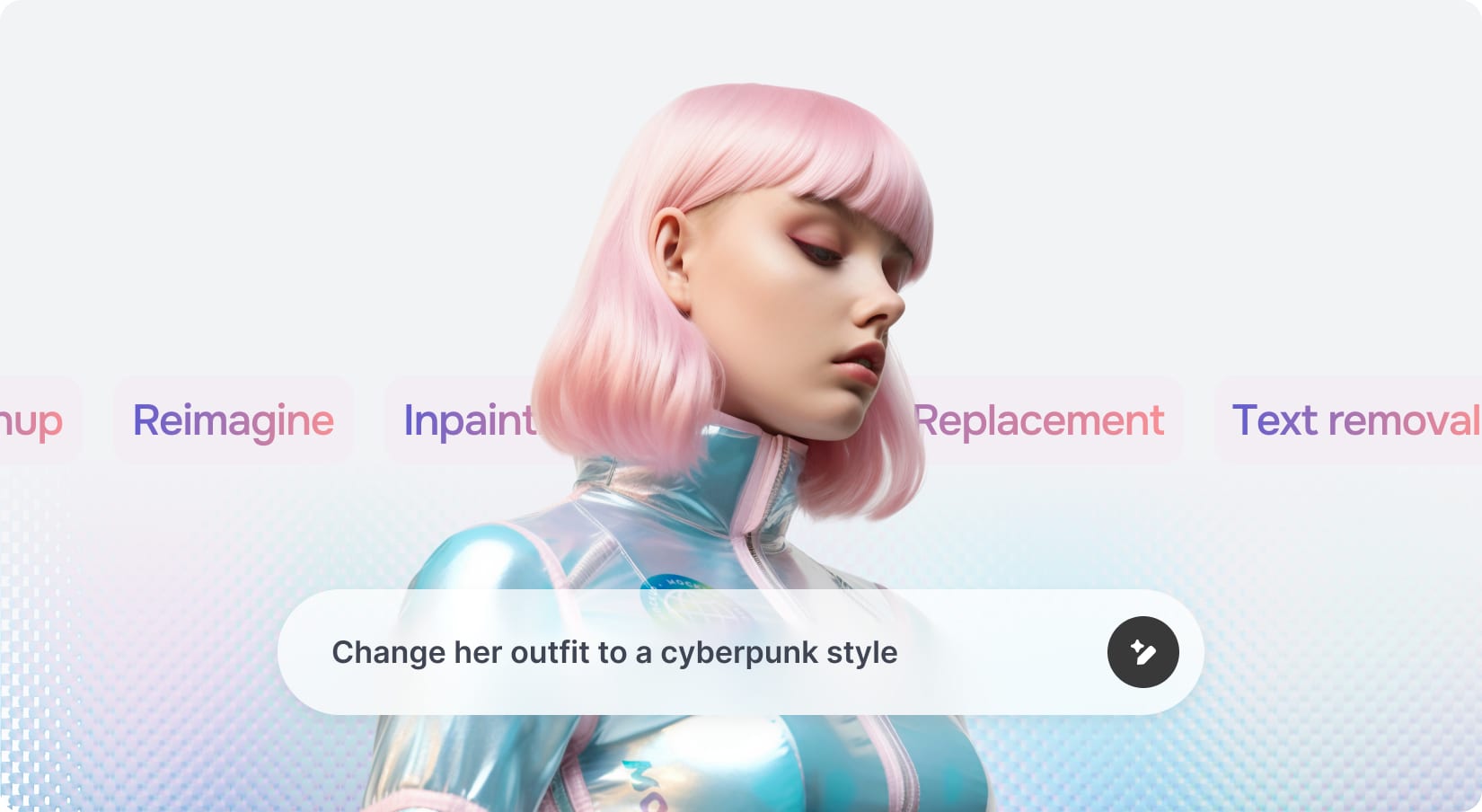
What is Nano banana?
Nano banana is one of the generation models available in the AI section of Scoreapps. He specializes in creating images with rich detail, consistent lighting, and an artistic style reminiscent of high-quality digital painting. Some key features:
Style versatility: It can generate everything from dreamlike landscapes to futuristic scenes, always maintaining a professional finish.
Consistent details: respects the direction of light, shadows and perspective, resulting in realistic or artistically impressive images.
Speed: Images are generated in seconds, allowing you to quickly iterate until you obtain the desired composition.
To access Nano banana, log in to Scoreapps, navigate to the dashboard AI and select Advanced Image Editor. In the model selector, choose nano banana and you'll be ready to go.
Preparation and access
Enter Scoreapps: From the main dashboard, select the option AI. Inside the AI panel you will find the tool Advanced Image Editor.
Select the model: At the top of the interface you will see a drop-down menu. Select nano banana to take advantage of its capabilities. After each generation it automatically returns to DALL·E, so remember to choose Nano banana again before a new prompt.
Text area: where you will write the prompts that describe what you want to generate. The more detailed the description, the better the result.
How to generate spectacular images
Tips for writing effective prompts
For Nano banana to generate high-quality images, the description must be clear and evocative. Some tips:
Describe the main scenario: location, type of scene and key elements.
Add sensory details: light, colors, textures, climate or environment. For example, “lit by fireflies” adds magic to a night landscape.
Define the artistic style: You can ask for “cyberpunk style” or “sci-fi epic style” to guide the aesthetic.
Be consistent with the desired result: mentions number of objects, position (for example “on the right” or “in the foreground”) or era (“futuristic”, “mystical”).
Generation Examples
During our exploration with Nano banana the following scenes were generated:
Magical swamp illuminated by fireflies and fog clouds – A swampy landscape with giant trees and a halo was described of mystery. The result was a circular illustration with green and blue tones where fireflies illuminate a dreamlike scene.
Futuristic city at sunset in cyberpunk style – With a prompt about skyscrapers, holograms and neon rain, a vibrant and technological city was obtained, with fuchsia and blue tones reminiscent of Blade Runner.
Space explorer on a distant planet with northern lights – An astronaut was described in an alien landscape with mountains and a sky full of auroras. Nano banana generated an adventurer in a space suit reflecting the auroras in his visor and a cosmic horizon.
These images demonstrate how a good description can generate impactful pieces ready to use in presentations, websites or advertising campaigns.
Editing tools within the Advanced Image Editor
Once an image is generated, the editor allows you to modify it using different modes, each with a specific purpose:
| Reimagine: | Generates new versions of an image while preserving its composition, useful for quickly creating variants. |
| Upscaler: | Increase image resolution without losing quality, ideal for printing or high definition backgrounds. |
| Sketch to Image: | Convert a sketch (that you can draw with the brush) into a complete and detailed version according to the requested style. |
| Inpainting: | Allows you to select specific areas of the image (using a brush) to add or modify elements while maintaining the original style. |
| Style Transfer: | Apply the artistic style of a reference image to your creation, creatively mixing content and style. |
Use case: adding elements with Inpainting
To show the potential of advanced editing, we took the image of the astronaut on a distant planet and added an additional narrative element: a spaceship and a sky full of stars. The flow was the following:
Select the image in the recent gallery and open it with the pencil icon.
Choose the mode Inpainting in the dropdown on the right.
Write a prompt detailed in the text box. In our case: “Add an additional spaceship and a sky full of stars on the right side, maintaining epic style and color consistency”.
Paint the area we want to modify. With the brush activated on the left side, we select the area of the sky where the new ship would appear. This lets the model know which part it can modify.
Click on Trigger. After a few seconds, Nano banana processed the request and added a futuristic ship and bright constellations to the sky, integrated naturally into the scene.
The result shows how existing compositions can be enriched without destroying the original elements, generating more complete and dynamic scenes.
Benefits for Partners and SMEs
Speed in the production of creative material: Banners, backgrounds for applications or publications can be generated in a matter of minutes, reducing design costs.
Extreme customization: Thanks to detailed prompts and editing functions, each business can obtain images that match its identity and message.
Integration with Scoreapps flow: The generated images can be used on the same platform to create apps, websites or marketing materials.
Multilanguage and segmentation: By combining image generation with campaign automation in Scoreapps, it is possible to design exclusive creatives for each customer segment.
Advanced and multi-agent tips
The true potential of Scoreapps emerges when different tools are combined:
Experiment with Style Transfer: Upload a reference image (for example, a Van Gogh painting) and apply its style to your creations for unique results.
Iterative reimagining: use Reimagine to generate several versions of the same image and then select the one that best suits your objective.
Combine models: Although Nano banana is the protagonist of this lesson, you can experiment with other available models (such as DALL·E) to see how the results vary.
Conclusion
The integration of nano banana Scoreapps puts advanced image generation and editing within the reach of any creator. With an intuitive interface, different editing modes and the possibility of combining it with the platform's multi-agent flows, the possibilities are practically unlimited. Take advantage of this tool to design creatives that surprise your clients, boost your campaigns, and demonstrate the power of AI applied to visual design.