WordPress | Scoreapps

WordPress

With this WordPress functionality, you can integrate your posts and pages into your application so that they have a more mobile version-oriented view of your WordPress site.

In addition to this function

To add this function to your application go to the "FUNCTIONS" step and click on the "Wordpress" icon:


Once added you must name this new application section:


Configuration

Once the operation is added, you should add the URL of your WordPress site in the fieldWordPress URL


If your WordPress is protected by a username/contrase, and/or you want to view private posts, you can set up a user who is used to retrieve messages here.


After you log in or save your WordPress site URL, you would have a list of all the pages, blogs and posts posted on your site. Select the ones you want to display and save this query to be displayed in your app:


List of pages to choose from once you have added your URL, User and Password from your WordPress Site:


Group of all queries in one list:With this option, you can display all the selected pages on the site in a single list as seen in the screenshot above.

If you turn off that option, the query house would have a different name and icon, this is useful when you need to classify your WordPress site pages into different lists.


Design

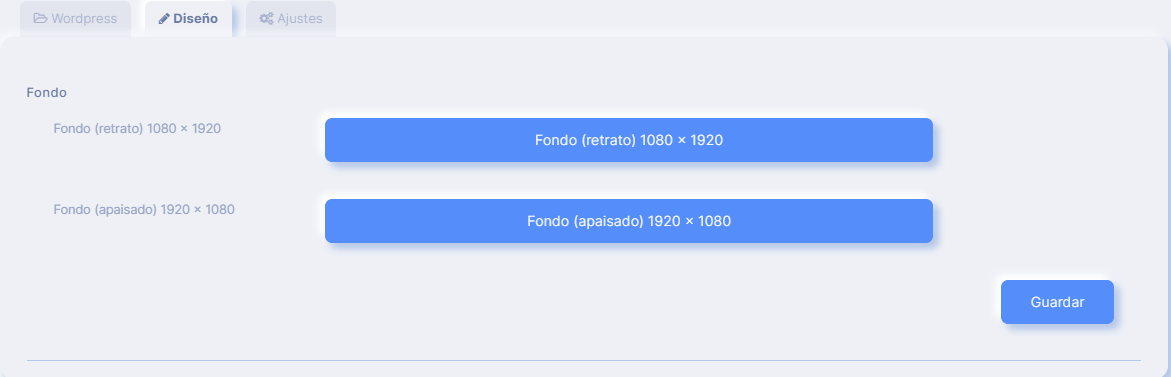
In the design section, you can upload funds for this functionality.
Settings


The configuration section offers two options, the first being the card design alternative, which was initially used, if disabled, functionality looks like this:


the second option is related to the effective life of the cache, to improve loading times and reduce the burden on the WordPress server, all queries are stored in cache.

The default life of cache is set at 1 hour.

    • Popular Articles

    • How to Create an App for Restaurants (with or without Delivery)

      Text Enter First Steps Once inside the platform, from the main dashboard you will find a series of icons on the left hand side menu. Just click on 'Apps'. Then click on 'Create App' and give it a name. Then you'll get to a screen where you choose the ...
    • APPS: Radio

      The function of Radio allows the addition of radio broadcast within its application. In addition to this function To add this function to your application go to step "Functions" and click on the icon "Radio": Once added you must name this new ...
    • APPS: Webhooks

      The advanced Webhooks feature lets you connect certain events that occur in your App by sending them to a URL called Webhook. You can use a free Webhooks service as Zapier to create automations that can help you with your App business. For example, ...
    • APPS: Audio & Music

      How to add this feature To add this feature to your application go to step "FUNCTIONS" and click on the " iconAudio": Then give this new section of the application a name. Then click on the + icon to add a new Playlist Then add a title and an image ...
    • QR Promotions

      This function would allow you to create discount coupons that would be unlocked by scanning a specific QR code. Once unlocked, the customer can use the discount whenever they want. The coupon would not appear in the application until the user has ...
    • Related Articles

    • How Can I Include a Website Inside My App?

      First of all, you should bear in mind that some websites have restrictions that prevent them from being embedded. These websites can only be opened in the browser outside the app. These are the options you have available if you want to include a ...
    • APPS: Webhooks

      The advanced Webhooks feature lets you connect certain events that occur in your App by sending them to a URL called Webhook. You can use a free Webhooks service as Zapier to create automations that can help you with your App business. For example, ...
    • APPS: Custom Page

      This functionality gives you several options for creating an information page. You can write an article with an image, you can publish a photo gallery, you can post a video directly on this page and you can add call buttons or a link to any external ...
    • APPS: Shopify

      Shopify's function allows you to add your URL from your cart.Shopify Commercewhich would open in the application or browser of the device, according to your preferences. In addition to this function To add this function to your application go to step ...
    • APPS: Pro Registration

      Descripción Esta función está enfocada para aquellos tipos de Apps que requieren de roles de acceso para controlar que secciones de la App pueden ser visibles en función del tipo de usuario. Algunos ejemplos podrían ser: - App de Colegios o Escuelas ...